Based out of Munich, Germany, Sweetlets provides affordable, user-friendly
business packages for use within the SAP NetWeaver Portal under the respected
parent company, Pentland Firth Software GmbH. What makes Sweetlets unique from
other software development firms is our exclusive focus in the SAP NetWeaver
Portal space for over 8 years. Who else can boast this!
The founders of Pentland Firth were instrumental in one of the very first
implementations of the SAP Enterprise Portal 5.0, together with SAP in early
2002. These former big five consultants then created the notable Sweetlets brand
in 2004 after seeing a clear void in the market for easy-to-deploy SAP Portal
applications.
For you, this means highly specialized knowledge when it comes to your SAP
Portal. When you need your teeth cleaned, you don’t go see a plumber! So when it
comes to your SAP Portal, talk to Sweetlets, the SAP Portal experts.
To date, SAP Software Solution Partner Sweetlets continues to provide
SAP-certified solutions based entirely on customers’ needs to an extensive
variety of distinguished clients worldwide – in a broad range of industries.
Please contact
support@sweetlets.com for any
additional help.


 HTML5 Navigation
 Click Stream
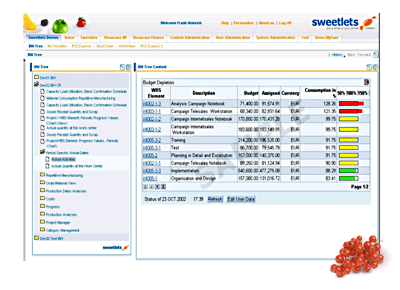
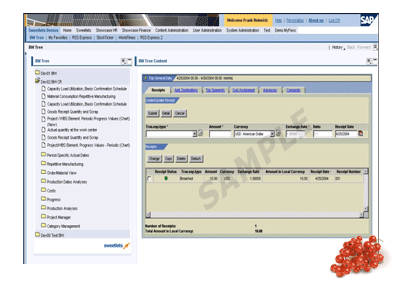
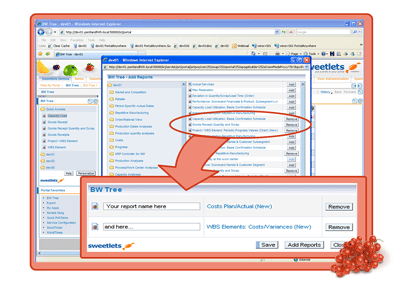
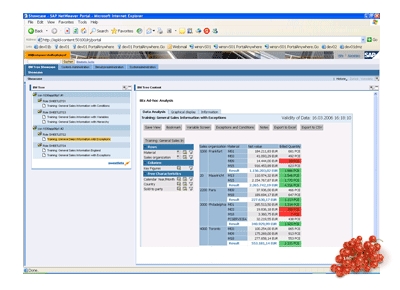
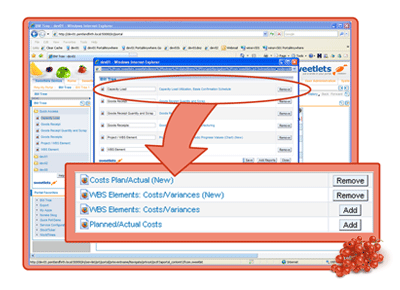
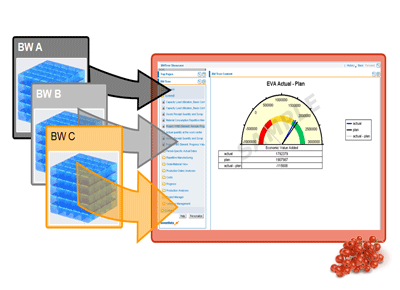
 BW Tree
 Events Calendar
 Pretty Poll
 Quick Links
 SSO Express
 System Messenger
 World Times